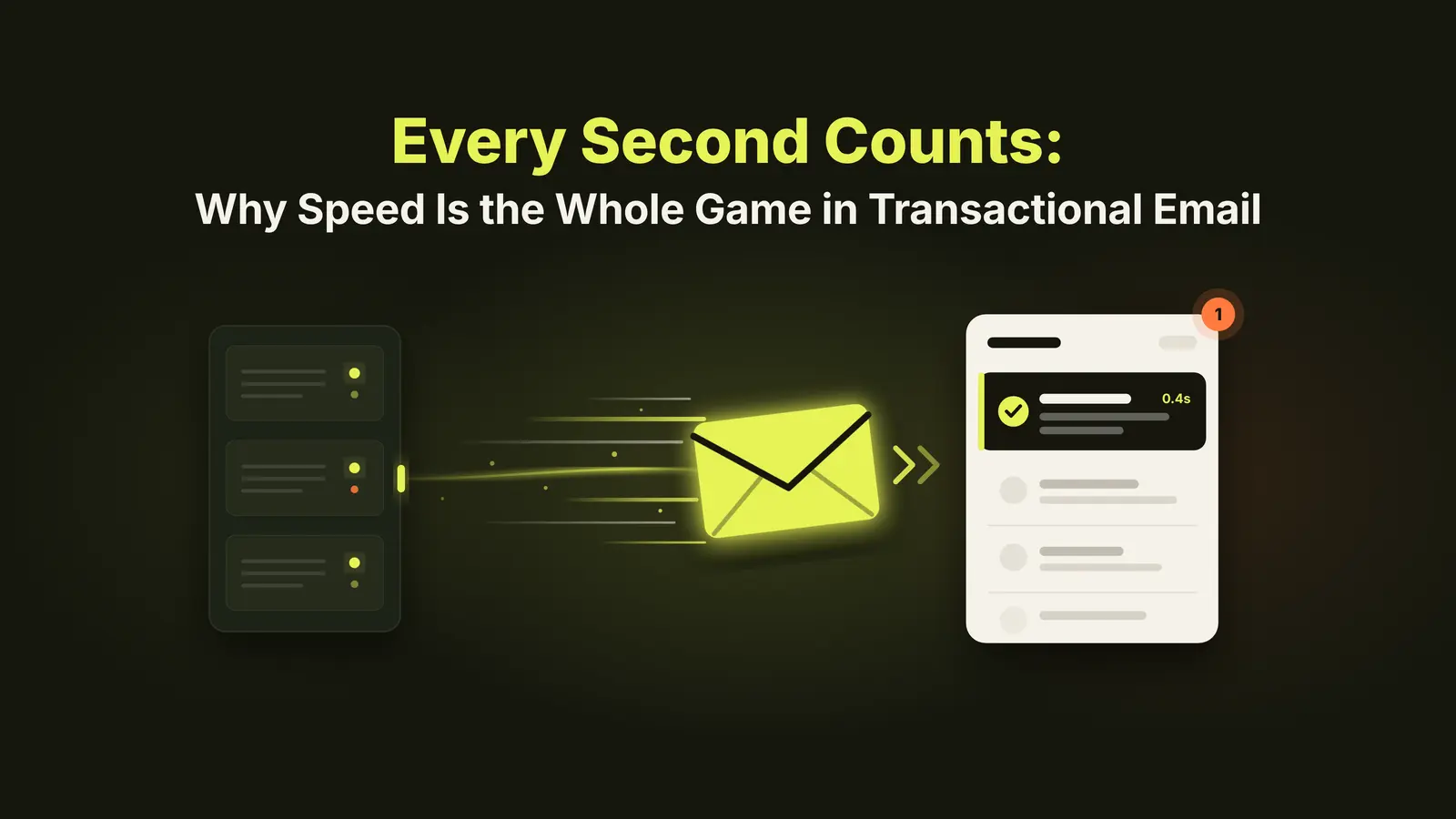
A customer clicks "Forgot password." They wait. They refresh their inbox. They check spam. Four minutes later, they click the button again. Now they have two reset links, no idea which one works, and a growing sense that your company doesn't have its act together.
Here's the deal: with transactional email, speed isn't a nice-to-have. It's the product.
Why speed matters more here than anywhere else
Marketing emails can arrive whenever. Nobody is sitting at their desk waiting for your newsletter.
Transactional email is different. Someone just did something, and they're staring at their screen waiting for proof that it worked.
Think about what's riding on these messages:
- Password resets and login codes. If the code expires before it arrives, the user is locked out.
- Order and payment confirmations. No confirmation means "did my card get charged?" and a support ticket.
- Account verification. Every minute of delay is a minute for a new signup to lose interest and leave.
- Shipping and alerts. Late notifications make your whole operation look slow, even when it isn't.
Here's why this matters: a slow transactional email doesn't feel like an email problem to your customer. It feels like your product is broken. And at scale, a few minutes of lag turns into real costs: more support tickets, more abandoned signups, and more people quietly deciding to go somewhere else. Your loss.
What actually slows transactional email down
When emails crawl, it's rarely one thing. Let's break this down.
- Shared queues with marketing. If your password resets sit in the same line as a 500,000-person promo blast, they wait their turn.
- Weak authentication. Missing or broken SPF, DKIM, and DMARC give mailbox providers a reason to slow you down, defer you, or filter you.
- Poor sender reputation. Providers throttle senders they don't trust. Bad list hygiene on the marketing side can drag your transactional mail down with it.
- Overloaded, oversold infrastructure. Many providers stack customers on rented cloud capacity. When everyone sends at once (hello, Black Friday), queues back up.
- No visibility. If you can't see delivery times, you don't know you have a problem until customers tell you.
How to keep it fast
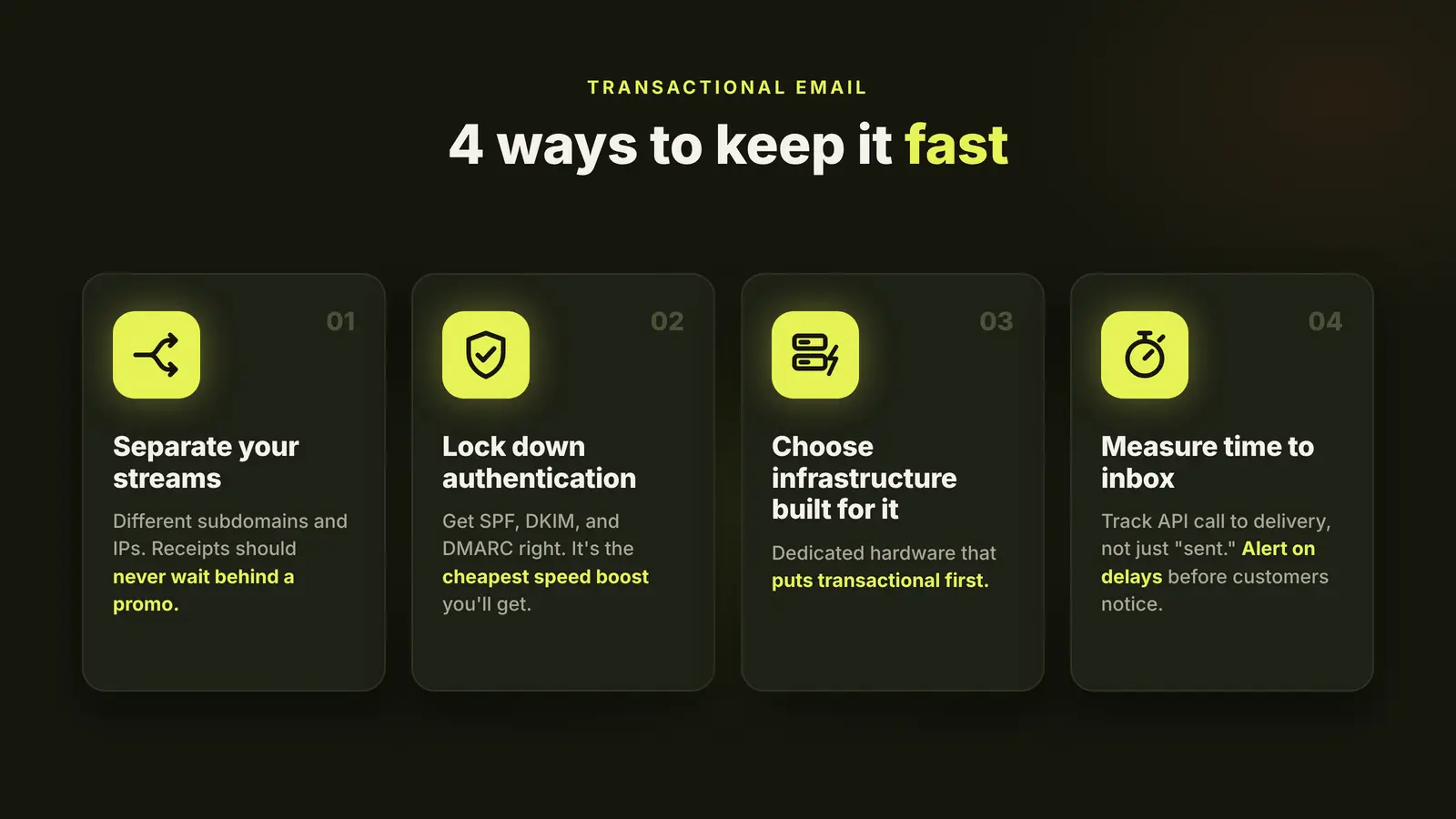
What works? Four things.
- Separate your streams. Send transactional and marketing email from different streams, ideally different subdomains and IPs. Your receipts should never wait behind a promo.
- Lock down authentication. Get SPF, DKIM, and DMARC set up correctly and keep them that way. It's the cheapest speed boost you'll ever get.
- Choose infrastructure built for it. Look for a provider that runs on dedicated, high-performance hardware and prioritizes transactional traffic, not one that's squeezing margin out of rented cloud servers.
- Measure time to inbox. Track how long it takes from API call to delivery, not just whether it was "sent." Set alerts so you hear about delays before your customers do.
The bottom line
If I had to boil it down: your customers judge your company by how fast your emails show up. A reset link that arrives in seconds feels like a product that works. One that arrives in minutes feels like a product that doesn't.
That's exactly why we built Anypost. It runs on bare-metal servers designed for high-volume, time-sensitive sending, so your transactional email gets where it's going fast, even on your busiest days.
Want to see how fast your email could be? Talk to the Anypost team.